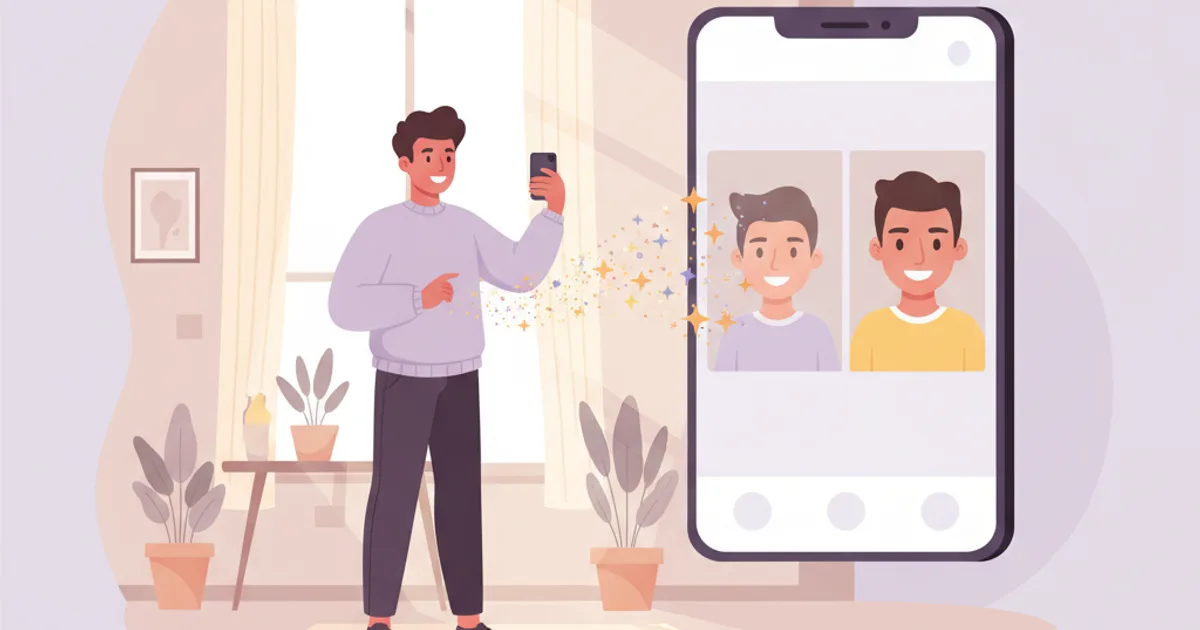
How to Get a Professional Headshot at Home (Phone + AI Guide)
No studio, no photographer, no problem. Take a selfie with your phone and let AI transform it into a professional headshot in 5 minutes. Complete DIY guide.
How to Get a Professional Headshot at Home
You need a professional headshot. For LinkedIn, your CV, your website, or your email signature. But you're at home, you don't have a studio, and you're not driving across town to a photographer.
Good news: your phone and AI can produce studio-quality results in 5 minutes.
What You Need
- Your smartphone (any phone made after 2020 is fine)
- A window with natural light
- 5 minutes
- ToolPilot AI Headshots (€9 for 40 professional photos)
That's it. Let's do this.
Step 1: Take Good Selfies (2 minutes)
The AI needs clear photos of your face. Better input = better output. Here's how to get great selfies:
Lighting:
- Stand facing a window (the window is YOUR light source)
- Time: daytime, cloudy sky is ideal (soft, even light)
- No overhead ceiling lights (creates shadows under your eyes)
- No flash (creates flat, harsh lighting)
Position:
- Hold phone at eye level (not above — that's a selfie angle, not a headshot angle)
- Arm's length or use a timer with the phone propped against something
- Face straight toward the camera
- Slight body angle (turn shoulders 15-20°) looks more natural
Expression:
- Think of something that genuinely makes you happy
- Slight, natural smile — not forced
- Eyes open, relaxed
- Google "Duchenne smile" — it's eyes + mouth
What to Avoid:
- ❌ Sunglasses or hats
- ❌ Heavy makeup or filters
- ❌ Extreme angles (above or below)
- ❌ Group photos (even cropped)
- ❌ Distant full-body shots
Take 4-6 photos. Different slight head angles, different expressions. Pick the best 1-4 to upload.
Step 2: Upload to AI (30 seconds)
- Go to ToolPilot AI Headshots
- Select your pack (€9 Basic = 40 photos, perfect for most people)
- Upload your 1-4 best selfies
- Choose your style and background
Step 3: Choose Your Style (30 seconds)
For corporate jobs or LinkedIn: → Style: Corporate or Executive → Background: Studio Grey or Studio White
For creative industries: → Style: Creative or Modern → Background: Gradient Blue or Outdoor
For startups or tech: → Style: Smart Casual or Startup → Background: Studio White or Office
For any general use: → Style: Corporate → Background: Studio Grey → This is the safest combo that works everywhere
Step 4: Wait and Download (5-15 minutes)
AI generates your headshots. You'll get 40-120 professional photos depending on your pack.
Browse through them. You'll typically find 5-10 that you love. Download your favorites.
Before & After: What to Expect
Your selfie: Decent lighting, phone camera, home background, casual expression
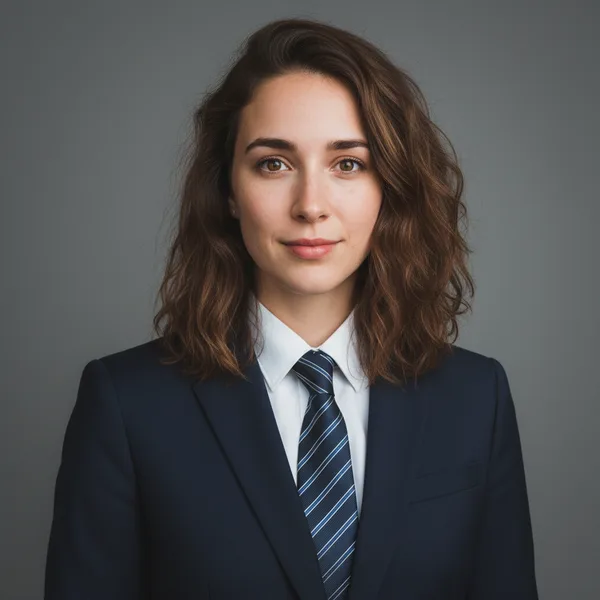
AI output: Studio lighting, professional pose, solid background, industry-appropriate clothing, natural expression preserved — but now it looks like you spent €300 at a photographer's studio.
What to Do with Your New Headshot
Update it everywhere for maximum impact:
| Platform | Link |
|---|---|
| LinkedIn profile | How to optimize your LinkedIn photo |
| CV / Resume | Resize for CV dimensions |
| Email signature | Create professional signature |
| Company website | Upload to your team page |
| Slack / Teams / Zoom | Settings → Profile → Change photo |
| Social media | Resize for each platform |
Common Questions
Q: Will people notice it's AI? No. Modern AI headshots are indistinguishable from studio photography. The lighting, skin tones, and backgrounds are all realistic. Compare tools in our best AI headshot generators comparison.
Q: Does it actually look like me? Yes. The AI preserves your actual facial features, expression, and identity. It enhances the presentation — lighting, background, clothing — without changing who you are.
Q: What if I don't like the results? With 40 photos in the Basic pack, you'll have plenty of options. Different angles, expressions, and clothing variations.
Q: Can I use it professionally? Absolutely. AI headshots are used by professionals at every level — from new graduates to C-suite executives.
Advanced: DIY + AI Combo
For even better results:
- Take your selfie near a plain wall (makes AI's job easier)
- Wear a solid-colored top (avoid busy patterns)
- Use your phone's portrait mode (blurs background slightly)
- Upload the portrait-mode photo to ToolPilot
The cleaner your input, the more polished the output.
Get your headshot at home → — phone + AI = studio quality. From €9.
Related Articles
Related Articles
How to Get a Professional Headshot Without a Photographer (2026)
Get studio-quality professional headshots without booking a photographer. AI headshot generators explained — how they work, what they cost, and real results.
Best AI Headshot Tool for LinkedIn in 2026 (Tested & Ranked)
We tested the top AI headshot generators for LinkedIn. See real results, pricing, and which tool actually delivers professional-quality profile photos.
Cheap Professional Headshot: The €9 AI Alternative to €300 Studios
Can't afford a €300 photographer? AI headshot generators deliver studio-quality professional photos from €9. Here's how they compare to expensive alternatives.
Most Popular Tool
Need a Professional LinkedIn Photo?
Upload a selfie → get 40-120 studio-quality headshots in minutes. 8x cheaper than a photographer. From €9.


Also explore our 25+ free tools — PDF merge, background remover, image resize & more. No signup needed.
Browse All Tools