Best Free PDF Tools for Freelancers: Merge, Split, Compress (No Signup)
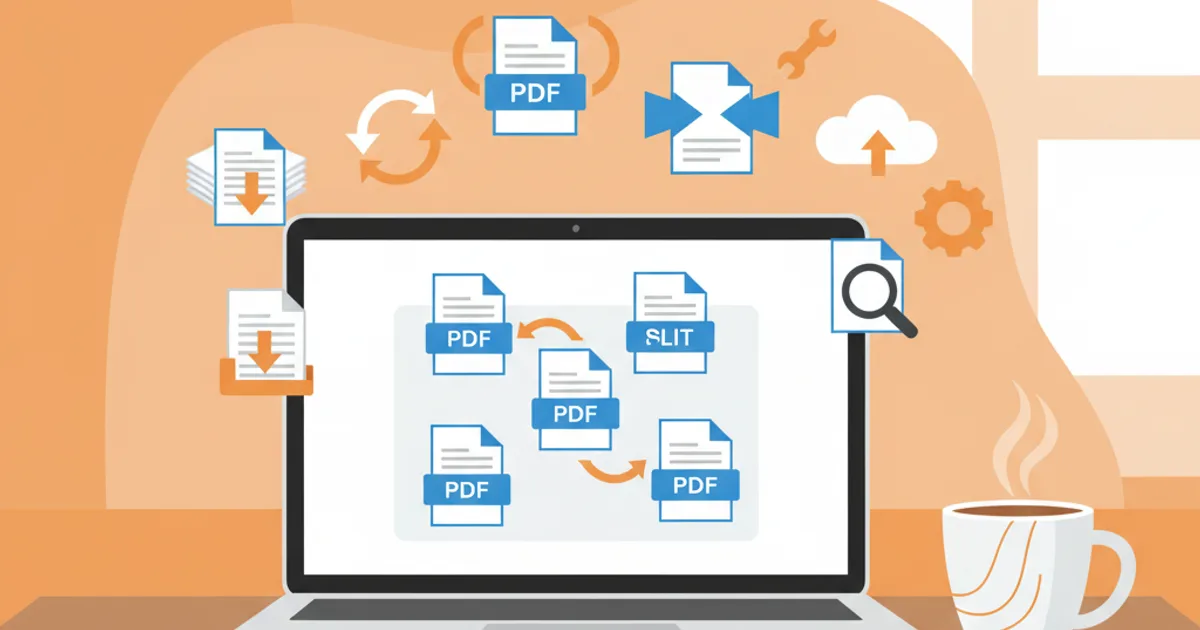
Freelancers need PDF tools daily but can't justify Acrobat subscriptions. These free online tools handle merging, splitting, and compressing — no account needed.
Best Free PDF Tools for Freelancers
If you're a freelancer, you deal with PDFs every single day. Client proposals, signed contracts, invoices, deliverables, tax documents. And Adobe Acrobat costs €24/month — €288/year you'd rather keep.
Here are the free tools that handle everything.
The 5 PDF Tasks Every Freelancer Does
1. Merge: Combine Multiple PDFs Into One
Use case: You need to send a proposal (cover page + scope + pricing + portfolio) as one file.
ToolPilot PDF Merger — drag, drop, reorder, download.
- ✅ No file limit
- ✅ No signup required
- ✅ No watermarks
- ✅ Preserves formatting and links
Time saved: 5 minutes vs fumbling with Preview or online tools that require email registration.
2. Split: Extract Pages From Large PDFs
Use case: Client sends you a 50-page contract. You need pages 3-7 for your records.
ToolPilot PDF Splitter — enter page ranges, extract instantly.
- Extract specific pages (e.g., 3-7)
- Extract individual pages (e.g., 1, 5, 12)
- Mixed ranges (e.g., 1-3, 7, 10-15)
3. Compress: Shrink Files for Email
Use case: Your proposal is 18MB. Gmail's limit is 25MB and it takes forever to upload.
ToolPilot PDF Compressor — typically reduces files by 50-80%.
- A 15MB proposal → 3MB (easy to email)
- Quality stays high for on-screen reading
- Essential for client-facing documents
4. Watermark: Protect Your Work
Use case: You're sharing a draft design or proposal — want "DRAFT" or "CONFIDENTIAL" across every page.
ToolPilot PDF Watermark — add text watermarks to every page.
- Custom text
- Adjustable opacity
- Diagonal placement
- Professional appearance
5. Create: Generate Invoices as PDF
Use case: You need to send a professional invoice for your latest project.
ToolPilot Invoice Generator — fill in your details, export to PDF.
- Client/company details
- Line items with quantities and rates
- Tax calculations
- Professional layout
- Export directly to PDF
Why These Beat Adobe Acrobat
| Feature | Adobe Acrobat | ToolPilot (Free) |
|---|---|---|
| Cost | €24/month (€288/year) | Free |
| Signup | Required | Not needed |
| Installation | Desktop app | Browser-based |
| Device | Installed computer only | Any device, any browser |
| Merge | ✅ | ✅ |
| Split | ✅ | ✅ |
| Compress | ✅ | ✅ |
| Watermark | ✅ | ✅ |
For the 5 core PDF tasks freelancers need, free online tools do the job perfectly.
Privacy & Security
Your files matter. Here's how ToolPilot handles them:
- Processed server-side, then deleted — files are not stored
- No browsing or accessing your content
- HTTPS encrypted — secure transfer
- No account needed — your data isn't linked to any identity
Freelancer PDF Workflow Example
Here's a real-world workflow for sending a client deliverable:
- Write your proposal in Google Docs → Export as PDF
- Merge proposal + portfolio samples + pricing sheet → PDF Merger
- Add watermark "DRAFT" for initial review → PDF Watermark
- Compress for easy emailing → PDF Compressor
- Send to client
- After approval, remove watermark and send final version
- Generate invoice → Invoice Generator
- Merge invoice + contract + scope for your records
All free. All in your browser. No Acrobat subscription needed.
Bonus: Other Free Tools Freelancers Love
- AI Headshots — Professional profile photo from €9
- Email Signature — Professional email footer
- Background Remover — Clean product/design images
- Image Compressor — Optimize images for portfolios
- AI Text Rewriter — Polish proposals and emails
Try all free PDF tools → — merge, split, compress, watermark, no signup.
Related Articles
Related Articles
Best Free Productivity Tools for Remote Workers (2026)
Work from home? These free online tools handle headshots, PDFs, images, writing, and communication — so you look and perform like an in-office pro.
7 AI Tools That Save You Hours Every Week (All Free to Start)
Stop wasting time on repetitive tasks. These 7 free AI tools handle photos, PDFs, writing, and design — saving you hours every week.
15 Free Online Tools Every Freelancer Needs in 2026
Essential free tools for freelancers: invoicing, PDF editing, image tools, QR codes, and AI writing assistants. All available at toolpilot.cloud.
Most Popular Tool
Need a Professional LinkedIn Photo?
Upload a selfie → get 40-120 studio-quality headshots in minutes. 8x cheaper than a photographer. From €9.



Also explore our 25+ free tools — PDF merge, background remover, image resize & more. No signup needed.
Browse All Tools